
Add your accounts
Enter the cash, debit, and card balances you want Nivio to consider.
Safe to Spend, made simple
Know exactly how much you can safely spend today.
Nivio considers upcoming bills, recurring payments, expected income, and card obligations so you can spend with more confidence and less second-guessing.
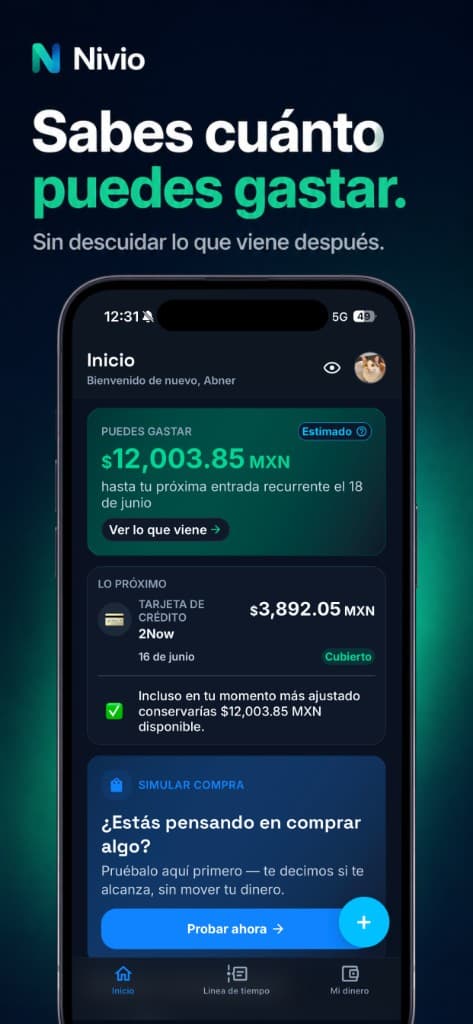
Core idea
Account balances alone do not tell the full story. Nivio helps you look at the money you have alongside the obligations already on the calendar.
Available cash
Debit account balances
Upcoming bills
Recurring expenses
Credit card obligations
Expected income timing
Safe to Spend
Nivio shows what remains after the obligations that matter, so today's decision can account for tomorrow's payments.
Plan ahead
A timeline-based view helps you understand upcoming payments, income, recurring expenses, and obligations before they surprise you.
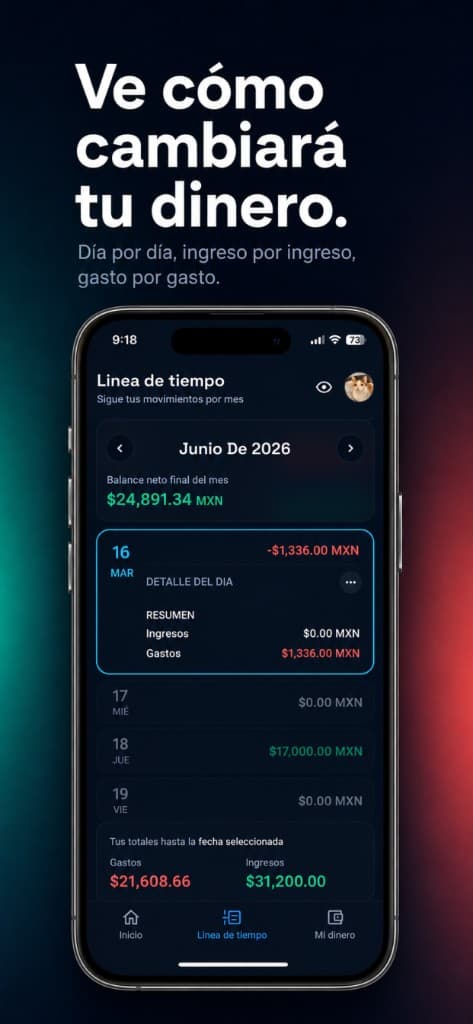
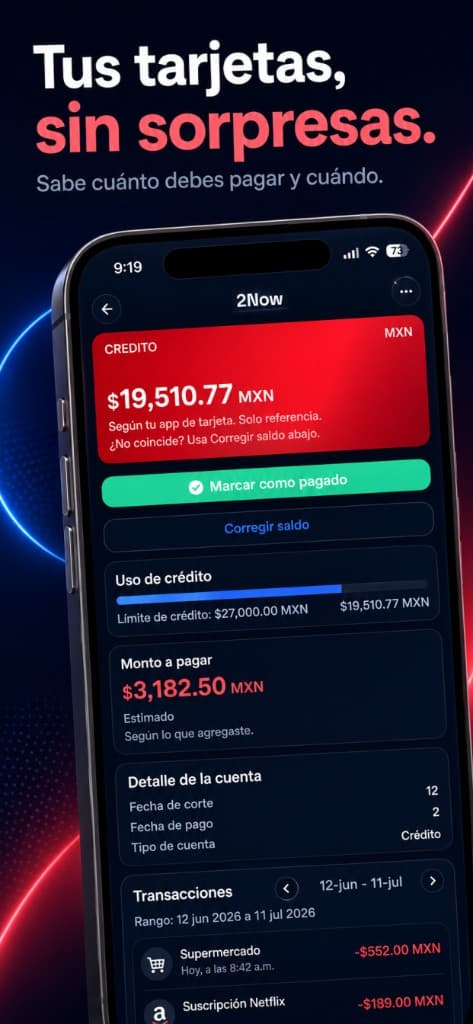
Credit cards
Track what you owe, what is due, and how card payments affect the money available to spend. Nivio helps organize obligations without acting like a bank or lender.
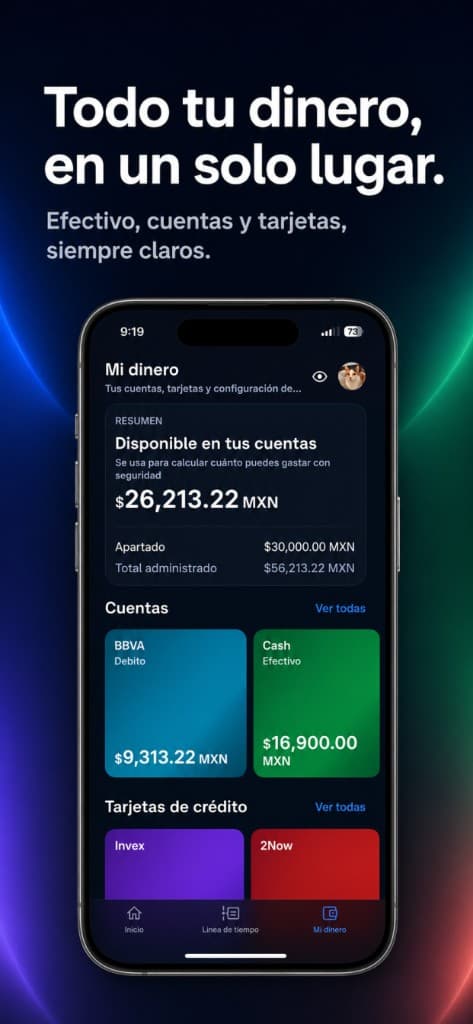
Simple tracking
Manage cash, debit accounts, credit cards, income, expenses, transfers, subscriptions, and recurring payments in one calm place.
How it works
Nivio keeps the setup human, so the answer is easy to understand when it matters.
Enter the cash, debit, and card balances you want Nivio to consider.
Give Nivio the timing context your bank balance does not show.
Make the next decision with a number that looks ahead.
App showcase
Browse the supplied Nivio visuals in a touch-friendly, keyboard-scrollable showcase.
Use this as the main hero image. Replace with the final App Store hero asset when available.
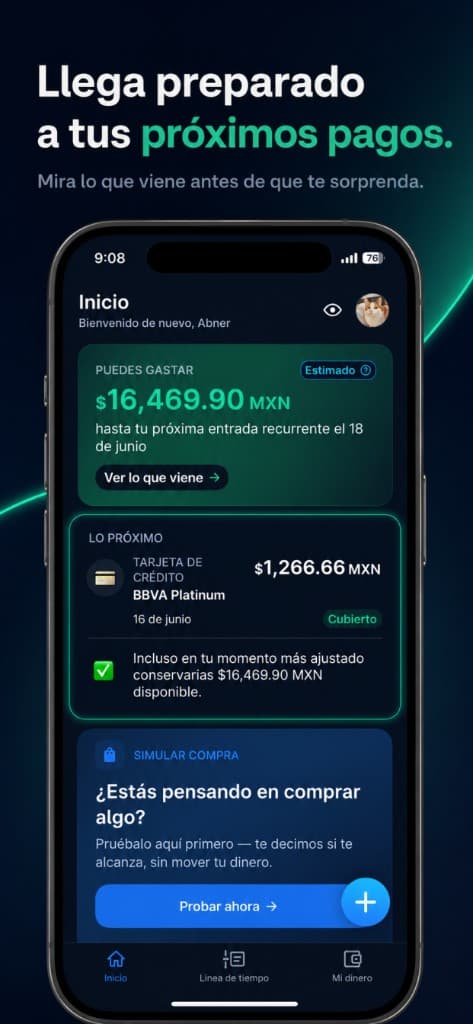
Best for sections about upcoming bills and obligations.
Best for card payment and statement sections.
Best for timeline, projection, and planning sections.
Best for sections about accounts and simple tracking.
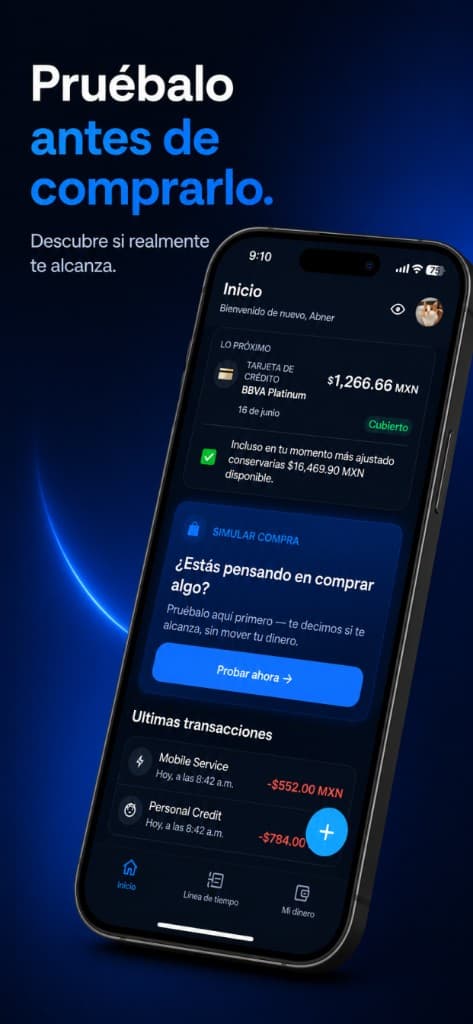
Best for purchase simulation or decision-making sections.
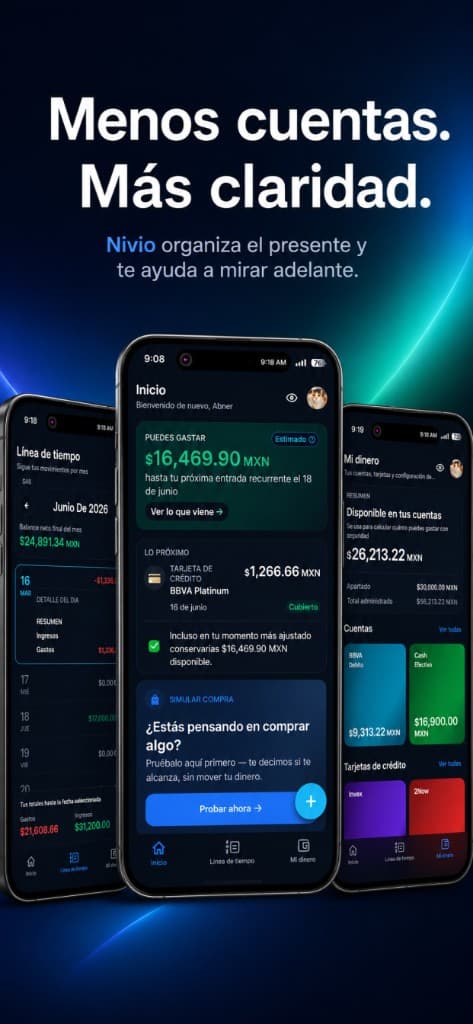
Best for gallery and product overview sections.
Questions
Safe to Spend is a clearer view of what may be available after the bills, recurring payments, card obligations, and income timing you add to Nivio.
Nivio is designed as a manual-entry app. You add your own balances, transactions, income, bills, and card details.
Nivio should only ask for information needed to help you manage your money. Specific storage, analytics, and retention details should be confirmed before publishing.
Yes. Nivio helps you organize card balances, statement details, payment dates, and how those payments affect what is safe to spend.
Currency support should be confirmed in the app before publishing. The current marketing copy avoids promising unsupported currency behavior.
Download Nivio when you are ready to replace guesswork with a calmer view of your money.